

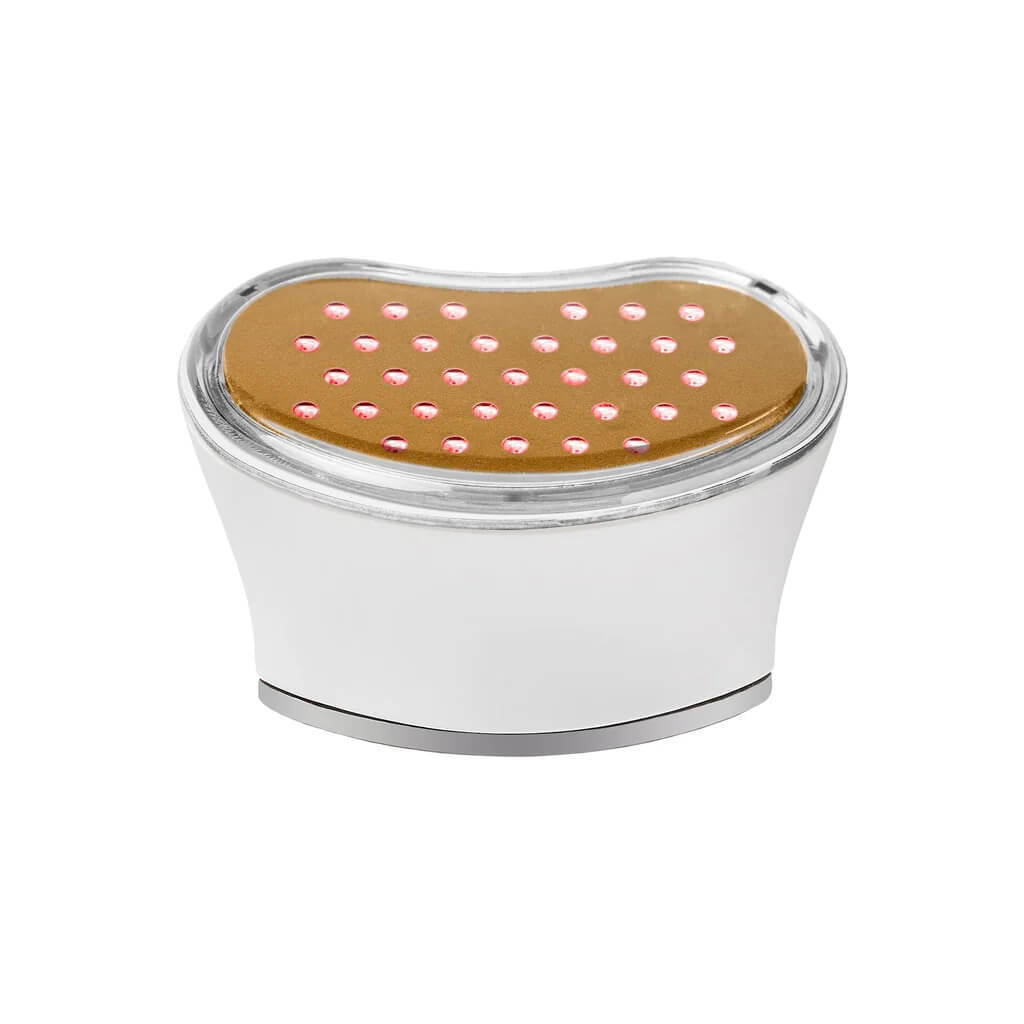
NuFACE Trinity Pro+ LED red light attachment
Tax excluded. Shipping calculated at checkout
Free Shipping Livraison offerte
Regular $149+
Priority $249+
Régulière dès 149 $
Prioritaire dès 249 $
Complimentary Samples Échantillons offerts
With every order Avec chaque commande
Pickup available at Loshen & Crem
Usually ready in 24 hours
NuFACE Trinity Pro+ LED red light attachment
Loshen & Crem
5238 Windermere Boulevard
Edmonton AB T6W 0L9
Canada
Need a little guidance?
Book a Virtual Skin Consultation
Personalized product guidance with a Loshen & Crem facialist, wherever you are.
Choose options
Device details
A closer look.
Understand your device, choose your routine, and make each step feel familiar.

A light-based step for your TRINITY+.
A separate LED attachment that combines amber, red and infrared light. It complements a compatible TRINITY+ routine with a treatment focused on the appearance of fine lines and skin texture.
Choose this attachment to add an LED step to a compatible TRINITY+ you already own. It is also included in the Complete Set.

A dedicated light surface.
The light-emitting surface replaces the microcurrent attachment. This TRINITY+ version requires a compatible TRINITY+ device; it does not fit the original TRINITY or MINI+.
Light, with its own preparation.
The LED attachment delivers amber, red and infrared light. Use it on clean, dry skin, without conductive activator. Complete the LED step before applying activator for a separate microcurrent treatment.
Your essentials, together.
- TRINITY+ LED Wrinkle Reducer attachment
- User manual
Attachment only; the compatible TRINITY+ device is sold separately. This LED step does not require a conductive gel.
How to use your device
- 01
Attach with the device off
Charge and unplug the compatible TRINITY+ handle. Switch it off, remove the microcurrent head and fit the TRINITY+ LED attachment securely.
- 02
Keep this step gel-free
Remove makeup, cleanse and dry completely. This light treatment goes before serum, activator and moisturizer. Conductive gel is for the separate microcurrent step.
- 03
Position on an approved zone
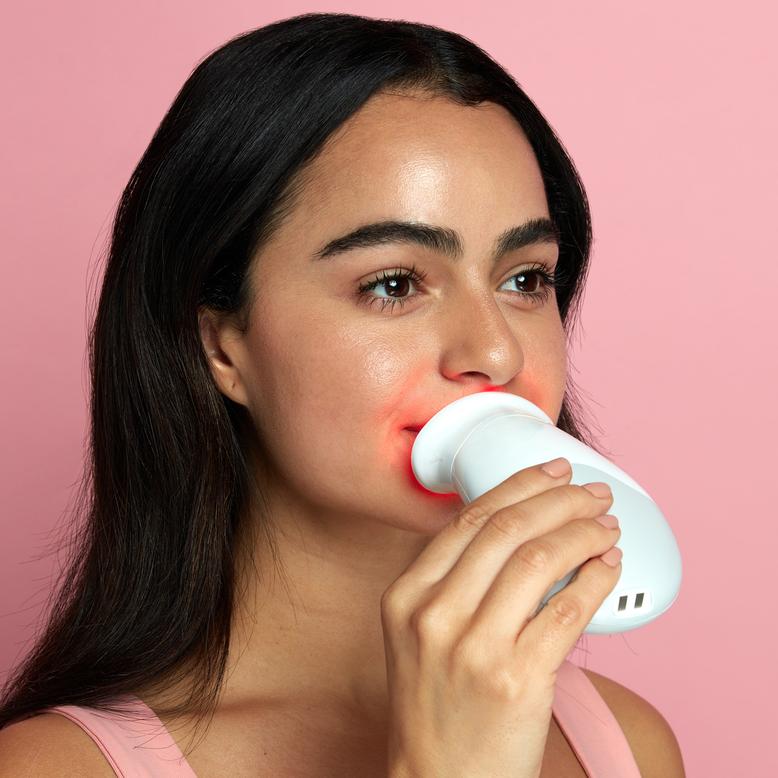
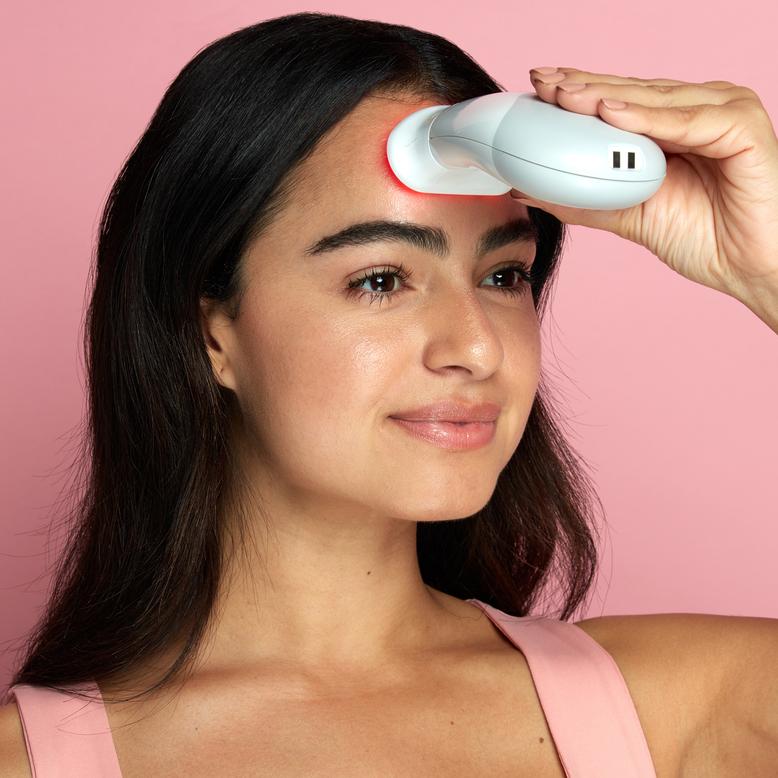
Use the LED attachment’s treatment map. Place the light surface in contact with the selected area and follow the manual’s eye precautions; do not look directly into the lights.
- 04
Hold for the full cycle
Keep the attachment still for 3 minutes per zone. This is a stationary light treatment, not the gliding movement used with the Facial Trainer.
- 05
Move only when the cycle ends
Follow the device signal and manual before repositioning to another approved zone. Total session length depends on how many permitted zones you treat.
- 06
Finish or continue with microcurrent
Switch off before changing heads. If using microcurrent next, apply the specified activator first. Otherwise continue your skin care, then clean and dry the attachment.
Allow 3 minutes per approved zone. Follow the LED attachment’s own frequency schedule; the microcurrent schedule does not replace it.
App & controls
NuFACE has retired its guided-treatment app experience. The official download pages remain linked below; features and availability may vary. Find current routines on NuFACE’s website and YouTube channel.
The LED attachment uses the compatible TRINITY+ handle. Follow its dedicated light-treatment instructions; facial microcurrent mode settings do not describe the LED routine.
Open the official treatment map and manual
For guided routines, use NuFACE’s current website and official video tutorials. Keep a simple calendar reminder if it helps you stay consistent.
Find your NuFACE fit
A little guidance for the routine that feels like you.


Attachments for TRINITY+


Your questions, answered
Which activator belongs in my routine?
The LED attachment delivers amber, red and infrared light. Use it on clean, dry skin, without conductive activator. Complete the LED step before applying activator for a separate microcurrent treatment.
What should I expect?
The aim is a change in appearance, with results that vary from person to person. Consistent use matters. Take comparison photos in the same light and position; device use does not replace daily skin care or professional advice.
Will every TRINITY attachment fit?
Match the generation: TRINITY+ requires TRINITY+ attachments. Original TRINITY attachments and TRINITY+ attachments are not interchangeable. MINI+ does not accept either type.
Care, comfort and suitability
Check suitability before your first session.
Read the full LED attachment and TRINITY+ manuals before use. Check photosensitivity, medication-related light sensitivity and the listed medical contraindications with your healthcare professional. Follow the stated eye precautions and never stare into the LEDs.
Use only on healthy, intact skin in the zones shown in the manual. Start comfortably and stop if you experience pain or irritation. More intensity or longer sessions are not a substitute for the prescribed routine.
How do I care for it?
Switch the device off after use. Clean the treatment surfaces with a soft, lightly dampened cloth as directed in the manual, then allow them to dry. Keep the device and charger away from water; do not immerse them.
Prepared by Loshen & Crem from the current product listing and NuFACE instructions. Refer to the manual supplied with your device for the complete treatment map and precautions.