

NuFACE TRINITY+ PRO Complete Set
Tax excluded. Shipping calculated at checkout
Free Shipping Livraison offerte
Regular $149+
Priority $249+
Régulière dès 149 $
Prioritaire dès 249 $
Complimentary Samples Échantillons offerts
With every order Avec chaque commande
Pickup available at Loshen & Crem
Usually ready in 24 hours
NuFACE TRINITY+ PRO Complete Set
Loshen & Crem
5238 Windermere Boulevard
Edmonton AB T6W 0L9
Canada
Need a little guidance?
Book a Virtual Skin Consultation
Personalized product guidance with a Loshen & Crem facialist, wherever you are.
Choose options
Device details
A closer look.
Understand your device, choose your routine, and make each step feel familiar.

Three attachments. A more versatile ritual.
Facial microcurrent, precision work around the lips and eyes, and a separate LED step. The Complete Set brings the three compatible attachments together so you can choose the treatment that fits your routine.
Choose the Complete Set if you want the facial, targeted and LED attachments together from the start.

Designed for your routine.
The Facial Trainer covers broader facial contours. Swap it for the Effective Lip & Eye attachment for approved smaller zones, or the LED attachment for a light treatment. Each attachment has its own preparation and timing.
Contact. Activator. Microcurrent.
The treatment spheres deliver a low-level electrical current through contact with prepared skin. A conductive activator forms the interface between the device and your skin. The contact points, treatment zone and technique depend on your model.
The LED attachment delivers amber, red and infrared light. Use it on clean, dry skin, without conductive activator. Complete the LED step before applying activator for a separate microcurrent treatment.
The indicator lights on the handle show device settings. LED treatment requires the separate compatible LED attachment on TRINITY+.

Your essentials, together.
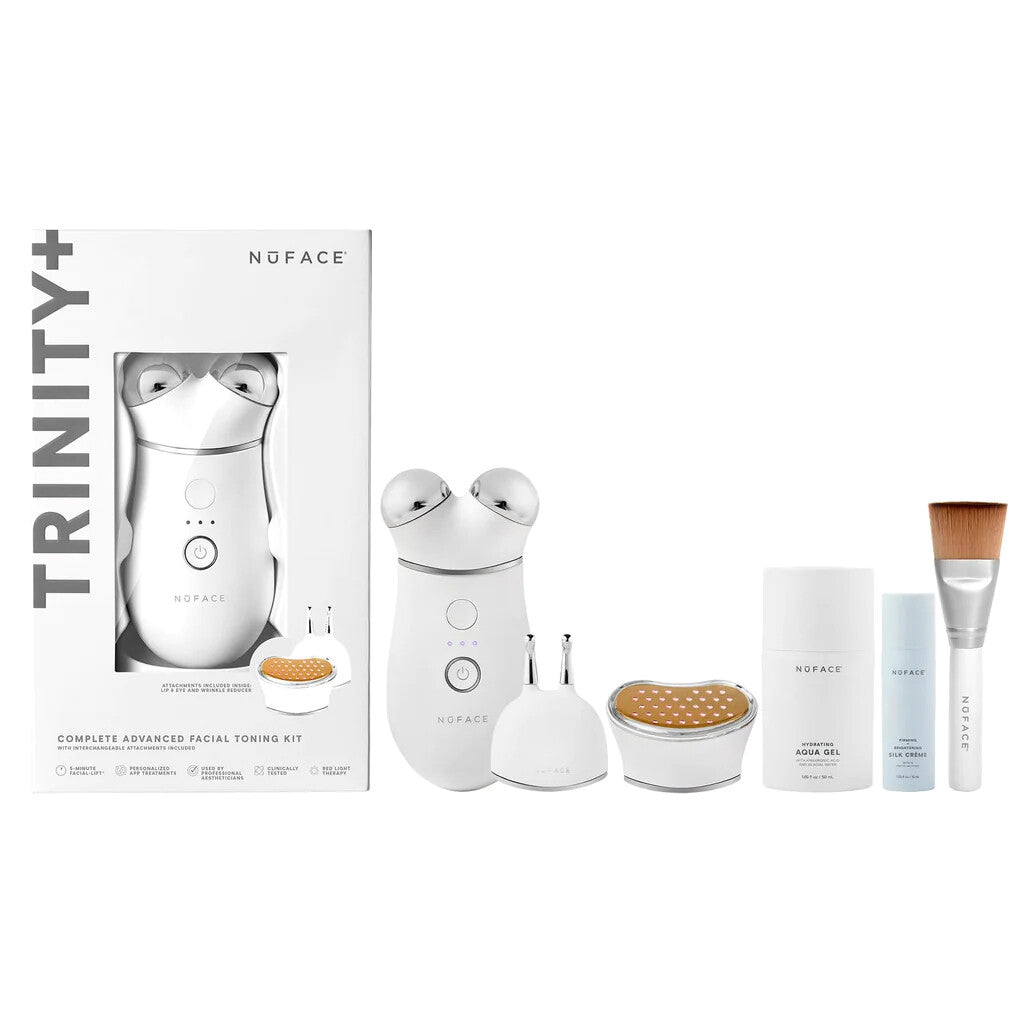
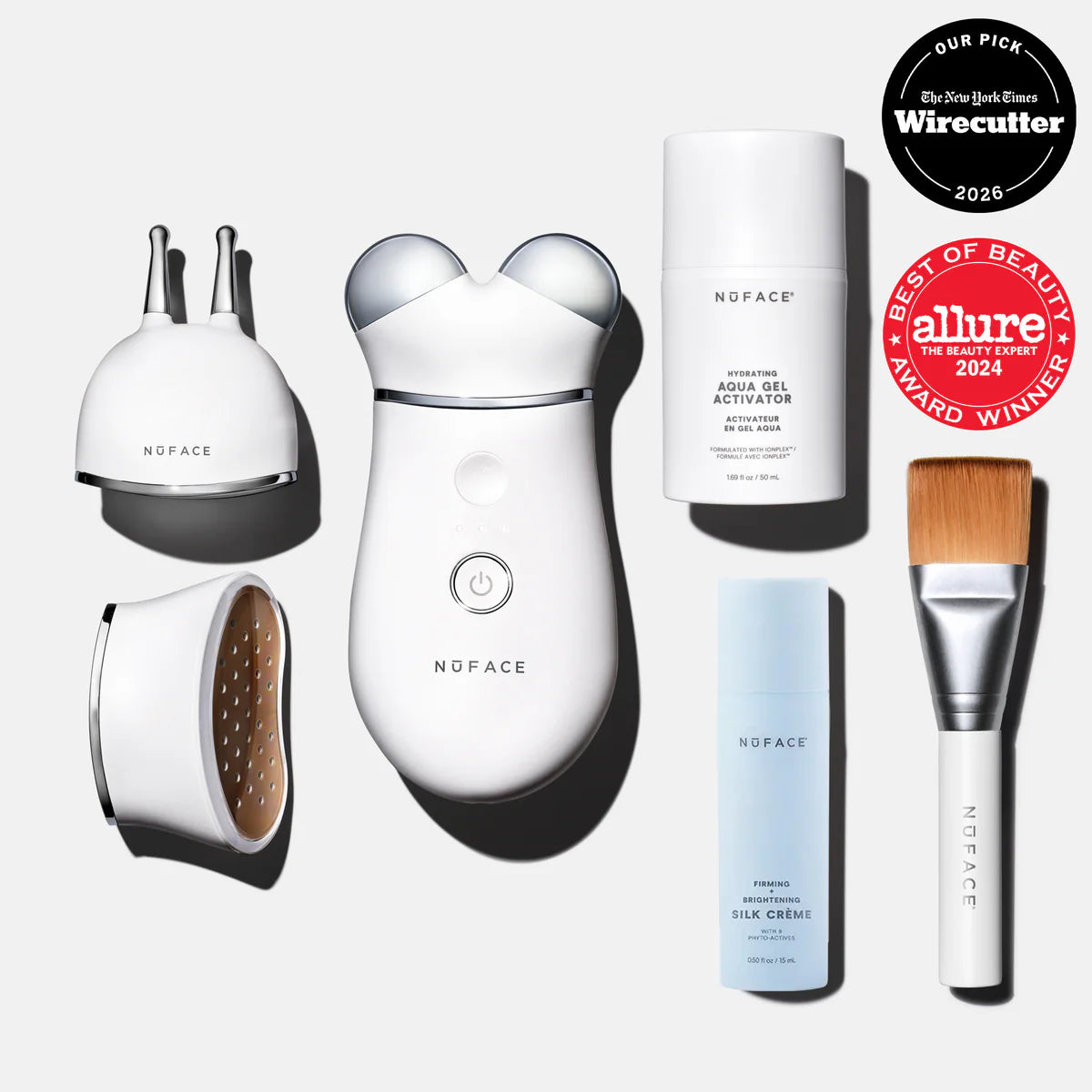
- TRINITY+ device with Facial Trainer
- TRINITY+ Effective Lip & Eye attachment
- TRINITY+ LED Wrinkle Reducer attachment
- Aqua Gel Activator, 50 mL
- Silk Crème Activator, 15 mL
- Clean Sweep Applicator Brush
- Charging cable
Three attachments are included. Use the preparation and treatment sequence for the attachment you select.
How to use your device
- 01
Get ready
Charge your device, then disconnect it. With TRINITY+, check that the Facial Trainer is securely attached. Before your first treatment, review the precautions and test your activator as directed in the manual.
- 02
Start with clean skin
Remove makeup, cleanse with an oil-free cleanser and pat dry. Save facial oil, moisturizer and sunscreen until after treatment.
- 03
Apply enough activator
Coat only the section you are about to treat with a generous, mask-like layer of Aqua Gel or Silk Crème. Keep it moist throughout; add more whenever the device starts to drag or the gel dries.
- 04
Choose a comfortable setting
Switch on using the device controls. Start with the lowest comfortable setting. Controls can differ with model and software version; use the matching manual and the App & controls section below.
- 05
Move slowly across the contours
Keep both spheres touching the skin. Follow the illustrated cheek paths outward toward the ear, then the forehead paths upward toward the hairline. Use light to medium pressure and the timed beeps to pace each glide. Follow the manual’s three-path sequence and repetitions on both sides.
- 06
Respect the treatment zones
Keep the Facial Trainer away from the eyes, lips and centre of the neck. If including the neck, use only the side-neck paths in your model’s diagram. Do not improvise holds or extra passes over unapproved zones.
- 07
Finish and clean
Switch off, massage in the remaining leave-on activator and finish your usual skin care. Wipe the treatment spheres with a soft, lightly dampened cloth and let them dry before storing.
For the facial microcurrent routine: 5 minutes, 5 days a week for the first 60 days, then 2–3 days a week for maintenance. Follow the supplied manual for your model and attachment.
Open the official treatment map and manual
Using the ELE attachment
- Check the generation. This TRINITY+ attachment needs a compatible TRINITY+ handle. Charge and unplug the handle. Switch it off before replacing the Facial Trainer with ELE; seat the attachment securely.
- Cleanse and activate. Cleanse without oil, dry, then coat the small treatment zone with a generous layer of NuFACE activator. Add more if it starts to dry.
- Start comfortably. Switch on and select a comfortable setting. Place both narrow tips on the skin using the vertical or horizontal orientation shown for that specific zone in the ELE diagram.
- Follow the precise map. Use gentle glides or holds for one 7-second interval at each illustrated position. Follow the lip-area sequence twice, and the eye/brow sequences three times, then repeat on the other side. Keep the diagram open beside you; tip placement changes between zones.
- Stay off sensitive surfaces. Both tips must touch prepared skin. Never put the tips on or into the eyes, tear ducts, eyelids, nostrils or lips. Add activator and reduce intensity if contact feels uncomfortable; stop for irritation.
- Finish and store. Switch off, massage in the remaining activator and clean both tips. Let them dry before storing. Switch the handle off again before changing attachments.
Using the LED attachment
- Attach with the device off. Charge and unplug the compatible TRINITY+ handle. Switch it off, remove the microcurrent head and fit the TRINITY+ LED attachment securely.
- Keep this step gel-free. Remove makeup, cleanse and dry completely. This light treatment goes before serum, activator and moisturizer. Conductive gel is for the separate microcurrent step.
- Position on an approved zone. Use the LED attachment’s treatment map. Place the light surface in contact with the selected area and follow the manual’s eye precautions; do not look directly into the lights.
- Hold for the full cycle. Keep the attachment still for 3 minutes per zone. This is a stationary light treatment, not the gliding movement used with the Facial Trainer.
- Move only when the cycle ends. Follow the device signal and manual before repositioning to another approved zone. Total session length depends on how many permitted zones you treat.
- Finish or continue with microcurrent. Switch off before changing heads. If using microcurrent next, apply the specified activator first. Otherwise continue your skin care, then clean and dry the attachment.
App & controls
NuFACE has retired its guided-treatment app experience. The official download pages remain linked below; features and availability may vary. Find current routines on NuFACE’s website and YouTube channel.
For TRINITY+, NuFACE describes direct access to treatment modes after its firmware update. If your controls do not match the current guide, contact NuFACE support before attempting an update. Availability and button behaviour depend on your device version.
Open the official treatment map and manual
For guided routines, use NuFACE’s current website and official video tutorials. Keep a simple calendar reminder if it helps you stay consistent.
Find your NuFACE fit
A little guidance for the routine that feels like you.


Attachments for TRINITY+


Your questions, answered
Which activator belongs in my routine?
Use the NuFACE activator specified for your device, such as Aqua Gel or Silk Crème. Apply enough to keep the area conductive throughout treatment. Facial oil and an ordinary moisturizer are not substitutes. NuBODY is paired with Aqua Gel.
What should I expect?
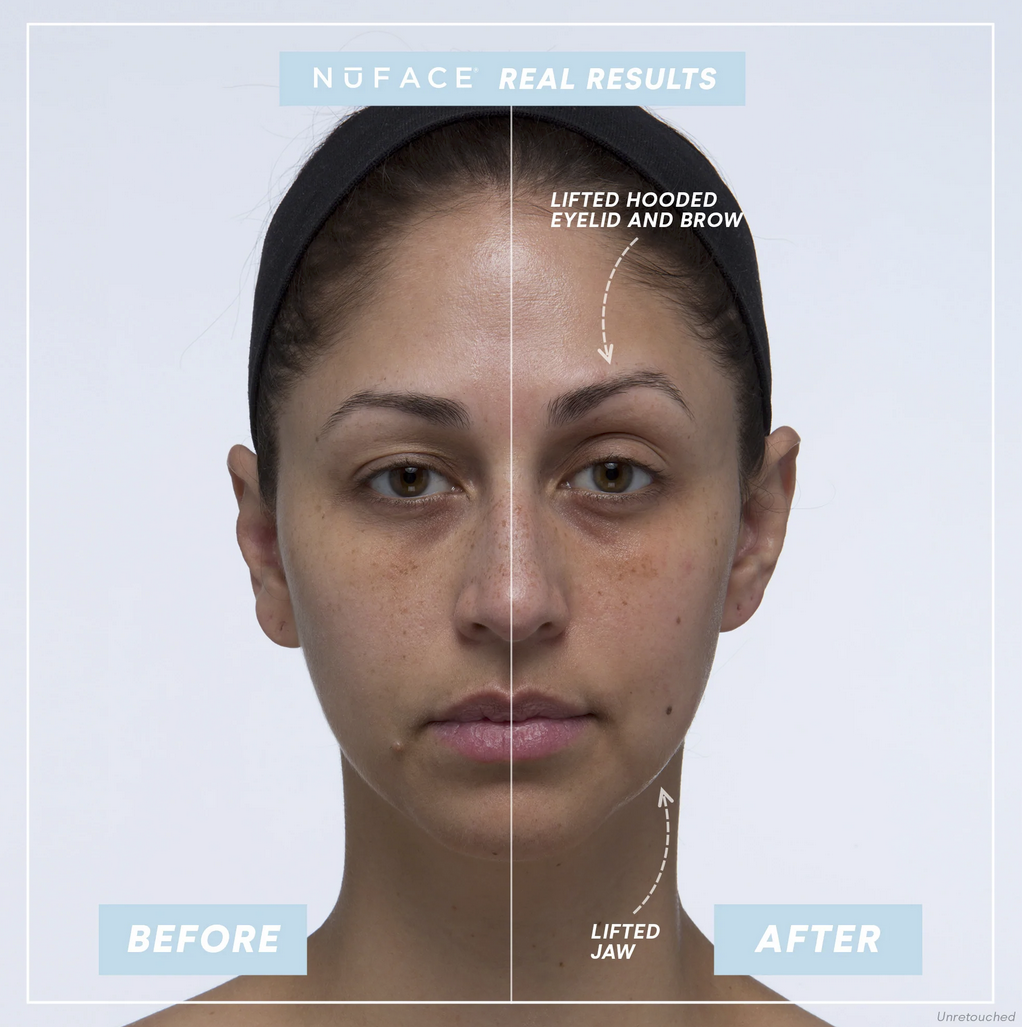
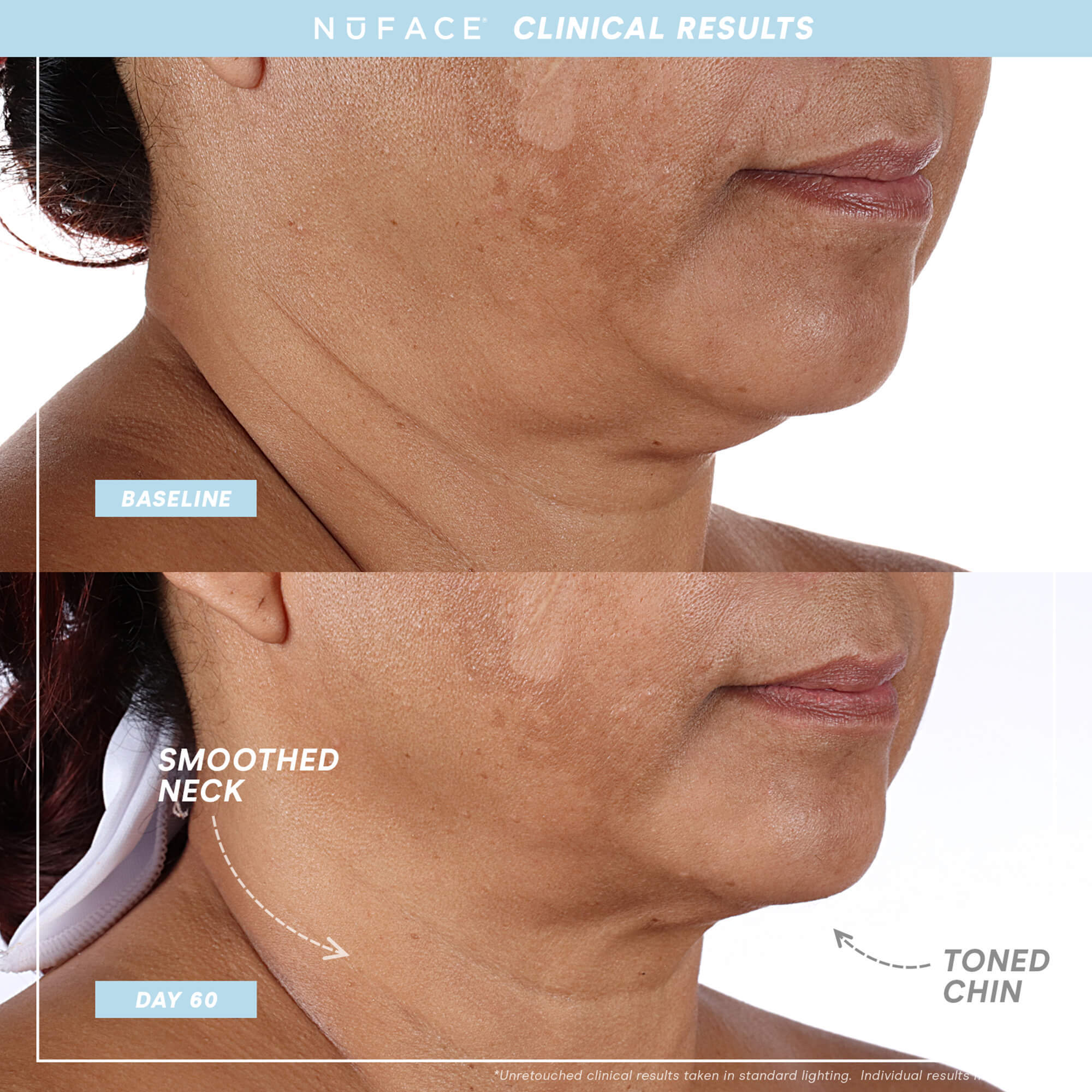
The aim is a change in appearance, with results that vary from person to person. Consistent use matters. Take comparison photos in the same light and position; device use does not replace daily skin care or professional advice.
Will every TRINITY attachment fit?
Match the generation: TRINITY+ requires TRINITY+ attachments. Original TRINITY attachments and TRINITY+ attachments are not interchangeable. MINI+ does not accept either type.
Care, comfort and suitability
Check suitability before your first session.
Read the complete instructions supplied with your exact model. Microcurrent is contraindicated during pregnancy and for people with implanted electronic devices, a history of seizures or active cancer. Recent surgery, a medical condition or a recent cosmetic procedure requires professional advice before use. This is a summary, not the complete list.
Use only on healthy, intact skin in the zones shown in the manual. Start comfortably and stop if you experience pain or irritation. More intensity or longer sessions are not a substitute for the prescribed routine.
How do I care for it?
Switch the device off after use. Clean the treatment surfaces with a soft, lightly dampened cloth as directed in the manual, then allow them to dry. Keep the device and charger away from water; do not immerse them.
Prepared by Loshen & Crem from the current product listing and NuFACE instructions. Refer to the manual supplied with your device for the complete treatment map and precautions.